
The problem
The web forgets.
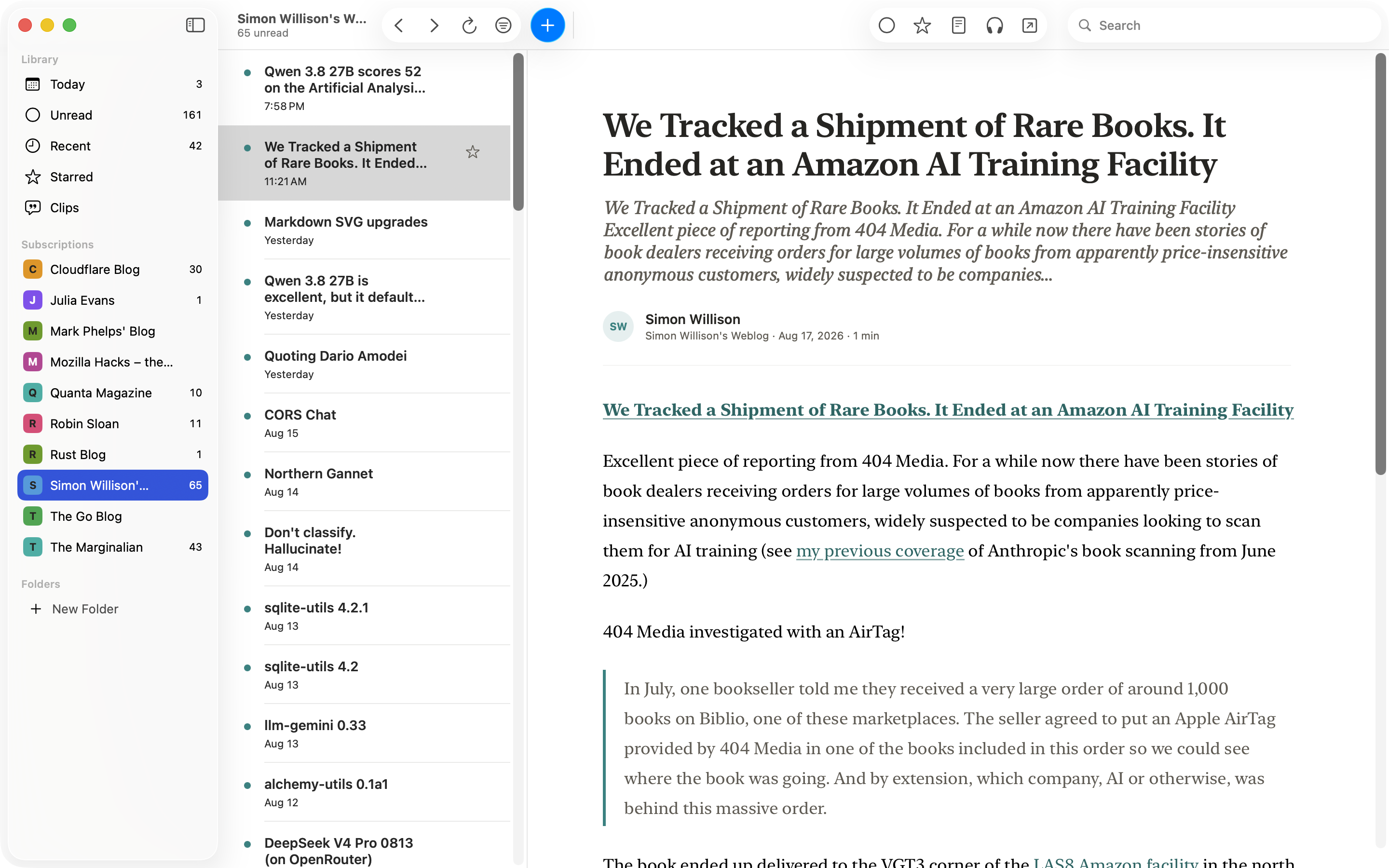
Feeds truncate to a teaser and a link. Blogs die and take their archives with them. Most readers quietly delete old articles to save space. The article you know you read last year is gone.
Cove starts from a different premise: what you choose to subscribe to is worth keeping.
Full articles
The article, not the teaser.
When a feed sends only a preview, Cove fetches the rest when it can, so the whole article is waiting in the reader instead of behind a browser tab.
Two ways to read
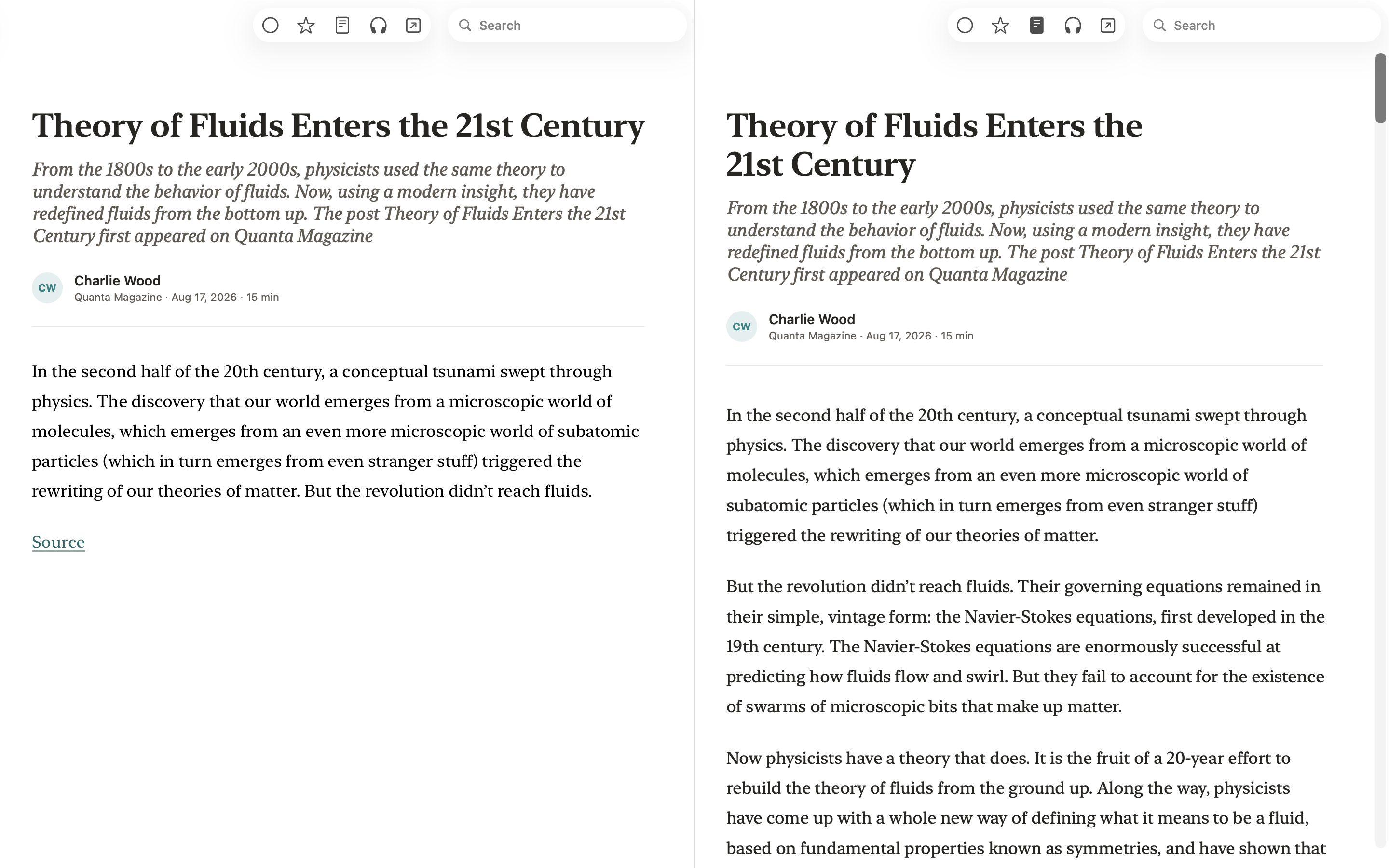
One toggle flips between the publisher’s layout and a clean reading view.
Honest when it can’t
Paywalls and broken pages happen. Cove shows the preview and a link to the original instead of dressing a teaser up as the article.
Code reads like code
Technical articles arrive full of code, and Cove renders it properly: formatted, highlighted, matched to light and dark.
Your archive
Read it once. Keep it.
What Cove saves stays saved: never auto-deleted, yours until you delete it.
Unsubscribe without regret
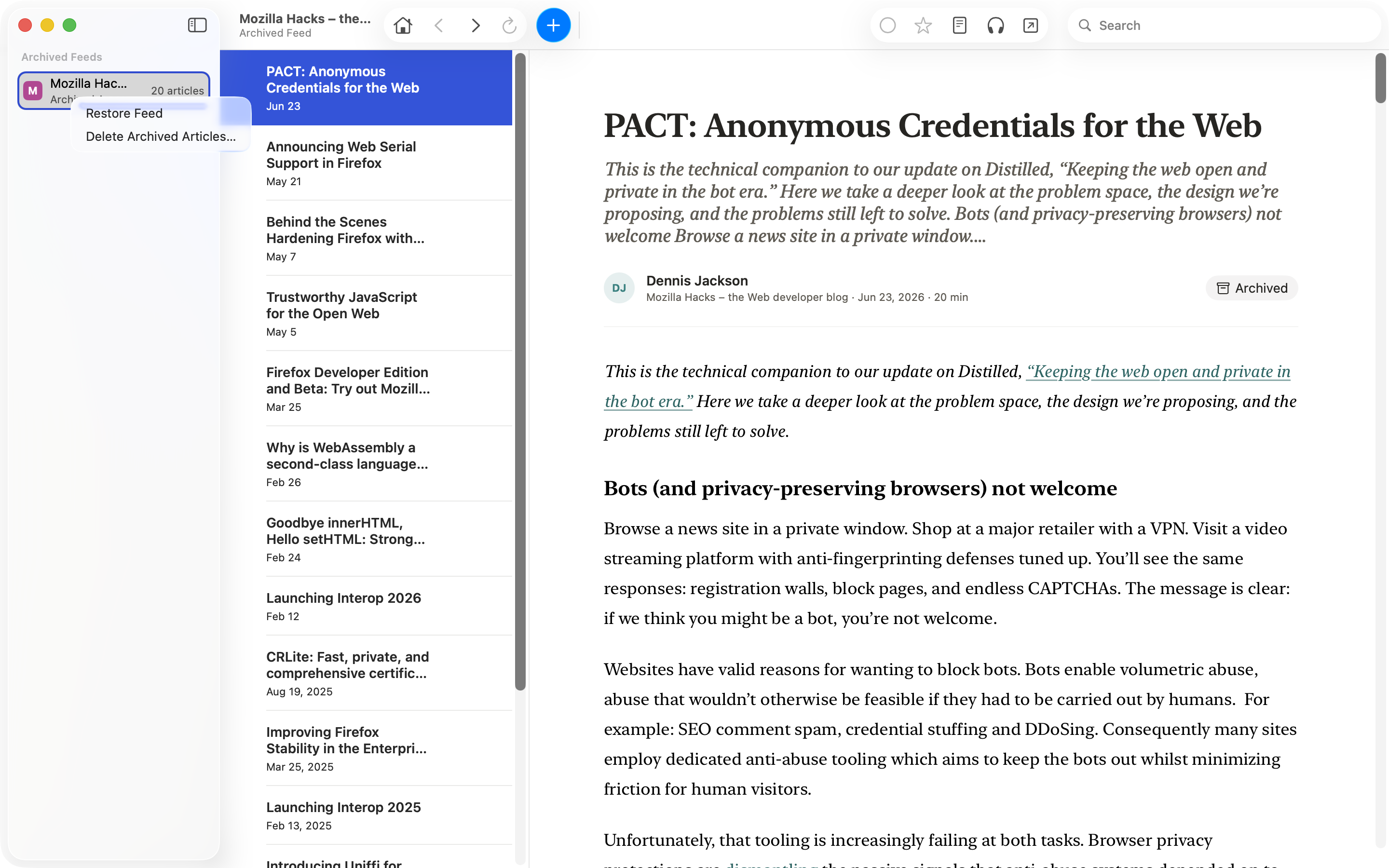
Removing a feed offers to keep its articles in your Archive, one click from coming back.
Find it again in seconds
Search article text, titles, authors, and feed names, offline.
No lock-in, in either direction
One click imports subscriptions and folders from any OPML-compatible reader. One click exports them if you ever leave.
Clips
Keep the sentence, not just the article.
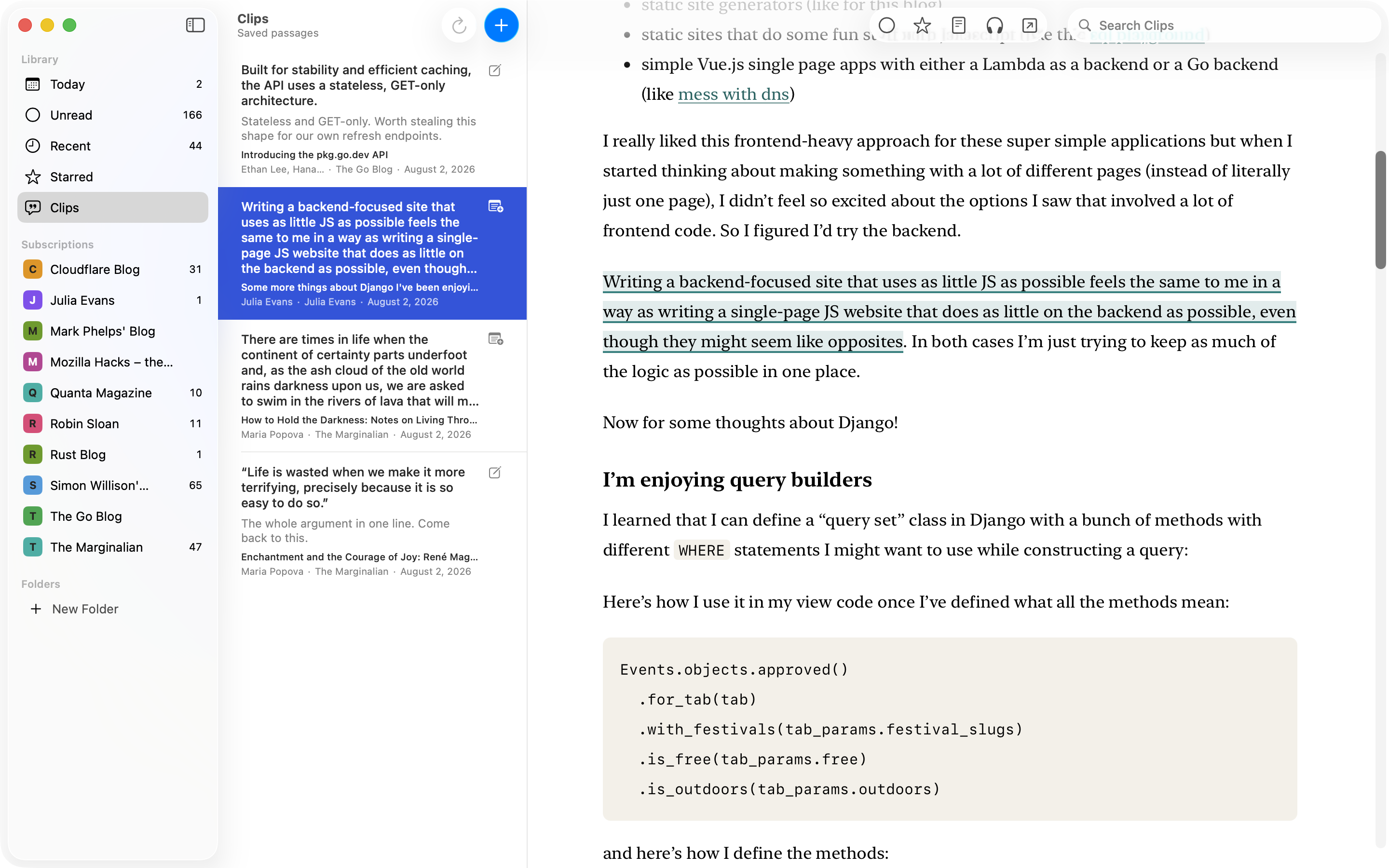
The archive keeps the article. Clips keeps the sentence. Select a passage, save it, and it joins a library of clips, each one a click from the spot it came from.
Still there when you come back
Reopen the article and your clips are highlighted where you left them.
Find it by what it says
Clips searches your saved passages and notes. Each clip takes one note and copies out with its citation.
Kept, even when the page changes
An article with a clip is never removed automatically. If a passage can’t be found again, Cove keeps your words and your note and says so.
Set aside
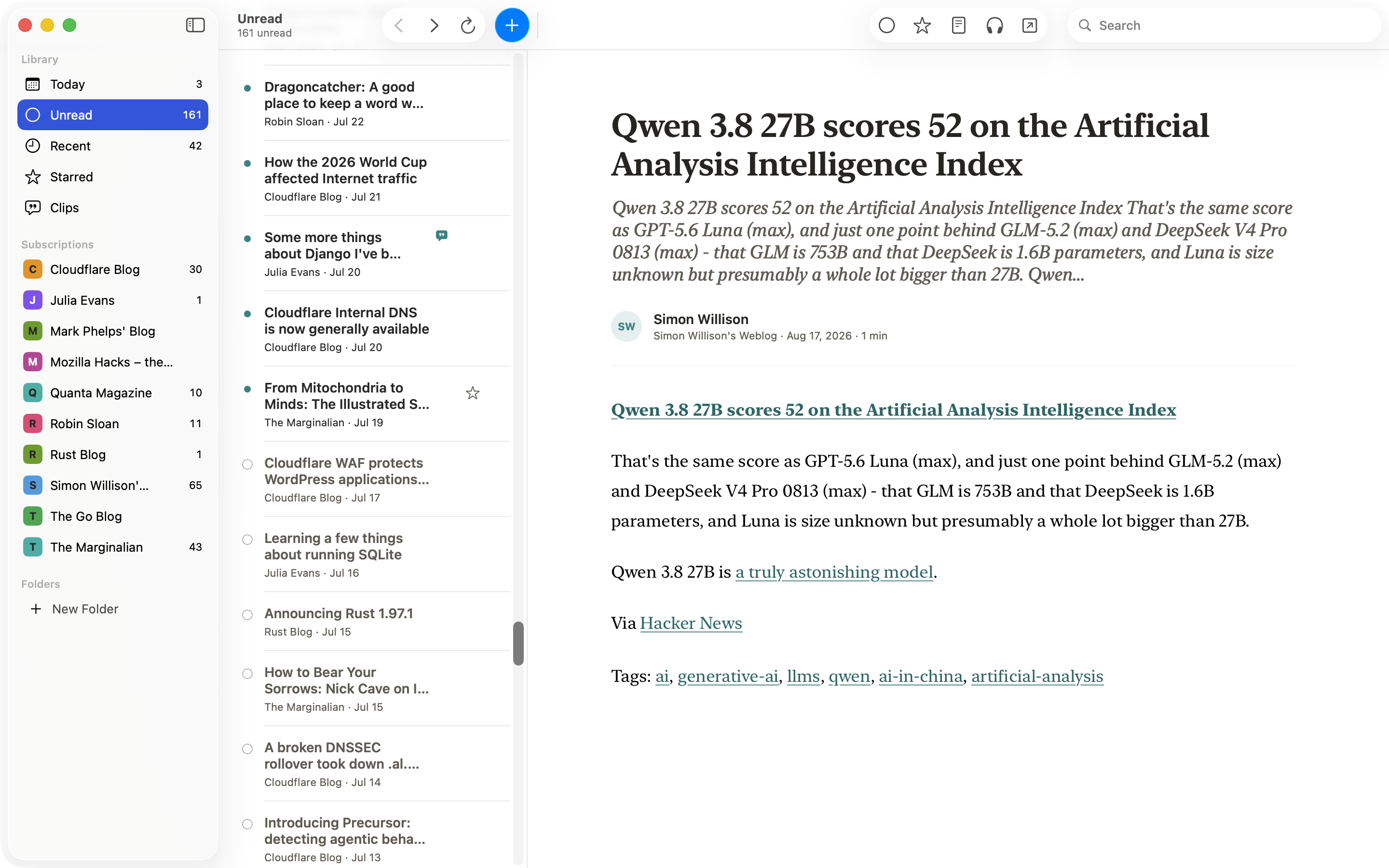
Unread that ebbs.
Your RSS reader isn’t a to-do list. Set older unread articles aside and they stop counting against you: still unread, still in their feeds, marked so you can see why. Nothing is marked read. Nothing is deleted.
Listen
Read to you, by your Mac.
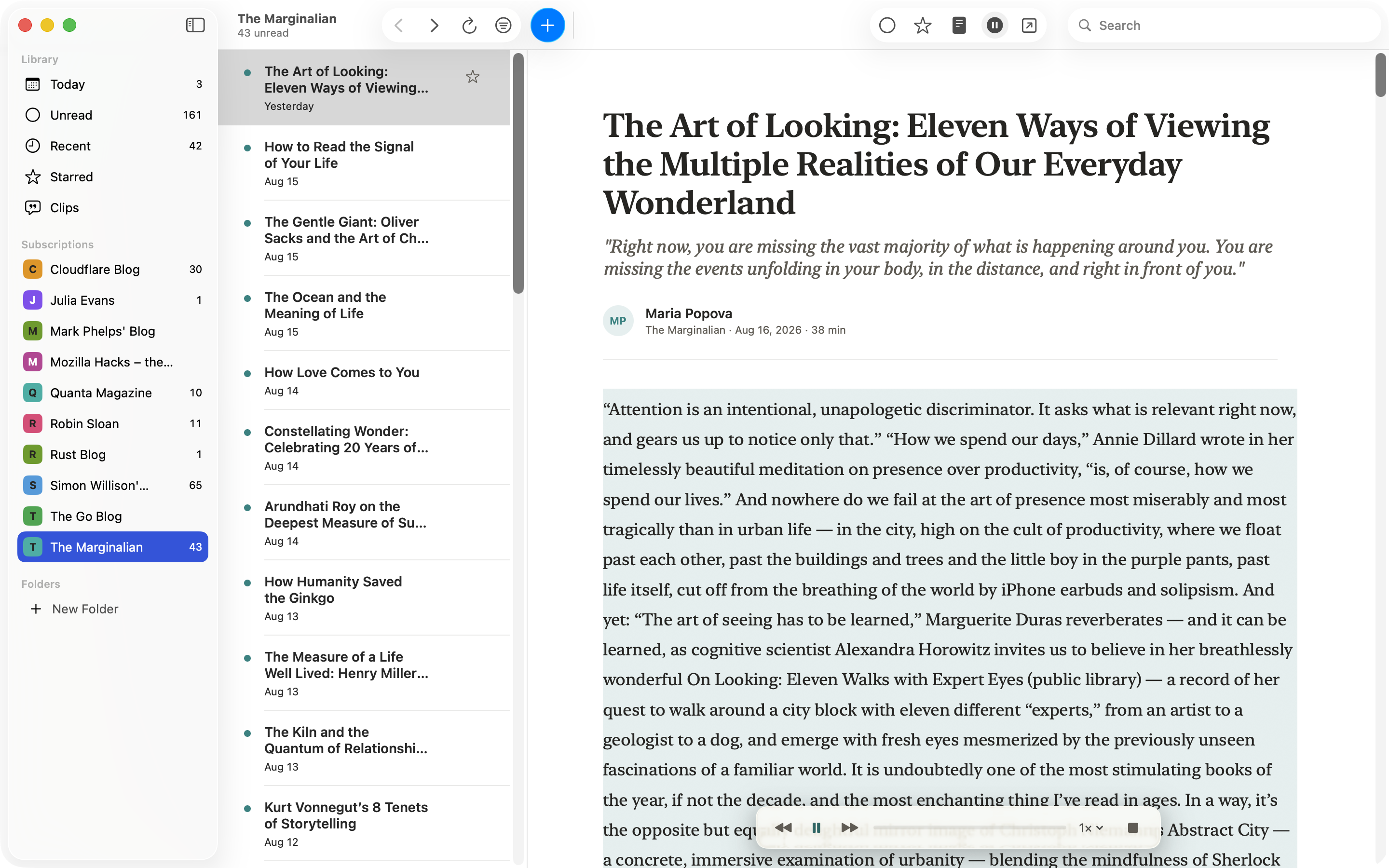
Cove reads articles aloud with voices that run on your Mac. Finish the long read while you cook, tidy up, or rest your eyes.
-
Works the moment you install
Cove starts reading with the voices already on your Mac. Optional voices download once and run offline.
-
Follow along, or drift
The paragraph being read is highlighted as the voice moves. Pause and skip from the player, your media keys, or your headphones.
MCP
Open to your agent.
Cove has a built-in MCP server, so an agent on your Mac can ask your library what is new, read an article, and tidy your subscriptions. It is off until you turn it on, and it answers only on this Mac.
You: tell me about my latest articles in cove
Agent: You have 136 unread across 9 feeds. Daring Fireball is 108 of them.
The newest, from the last two days:
- Robin Sloan, “My question is simply…” (Sep 9), a lab post about the iPhone.
- John Gruber, “The iPhone Air and iPhone 17 Pro” (Sep 9), a full review piece, not a link.
- John Gruber, “SuperDuper 4” (Sep 8), another full piece, on the backup app.
- Robin Sloan, “One-way doors” (Sep 8).
- Luca Rossi, “My agents are moving to the cloud” (Sep 8), an essay on cloud coding agents.
Also worth a look from Sep 6 and 7:
- Gruber’s long piece, “And It’s True That I Stole Your Lighter…”
Want me to pull the full text of any of these, or mark the Daring Fireball backlog read?
Reads freely, changes carefully
An agent can list your feeds, fetch unread or starred articles, read one in full, mark articles read, and add, rename, move, or remove feeds. Your clips are not on the menu.
Works with any agent
Any agent that speaks MCP can connect. Copy one configuration block from Settings and start asking.
Native
Feels like it shipped with your Mac.
Cove is a real Mac app, not a website wearing a Mac costume.
-
Dressed by macOS
On the latest macOS, Cove wears Liquid Glass; earlier Macs keep the classic toolbar. It follows your Mac from day into night.
-
Fluent in keyboard
J and K walk the list, Space pages through an article and on to the next unread. Real menus, real shortcuts.
-
Calm by design
No streaks, no badges, no guilt mechanics. Unread counts hide at zero, shrink to a dot, or switch off.
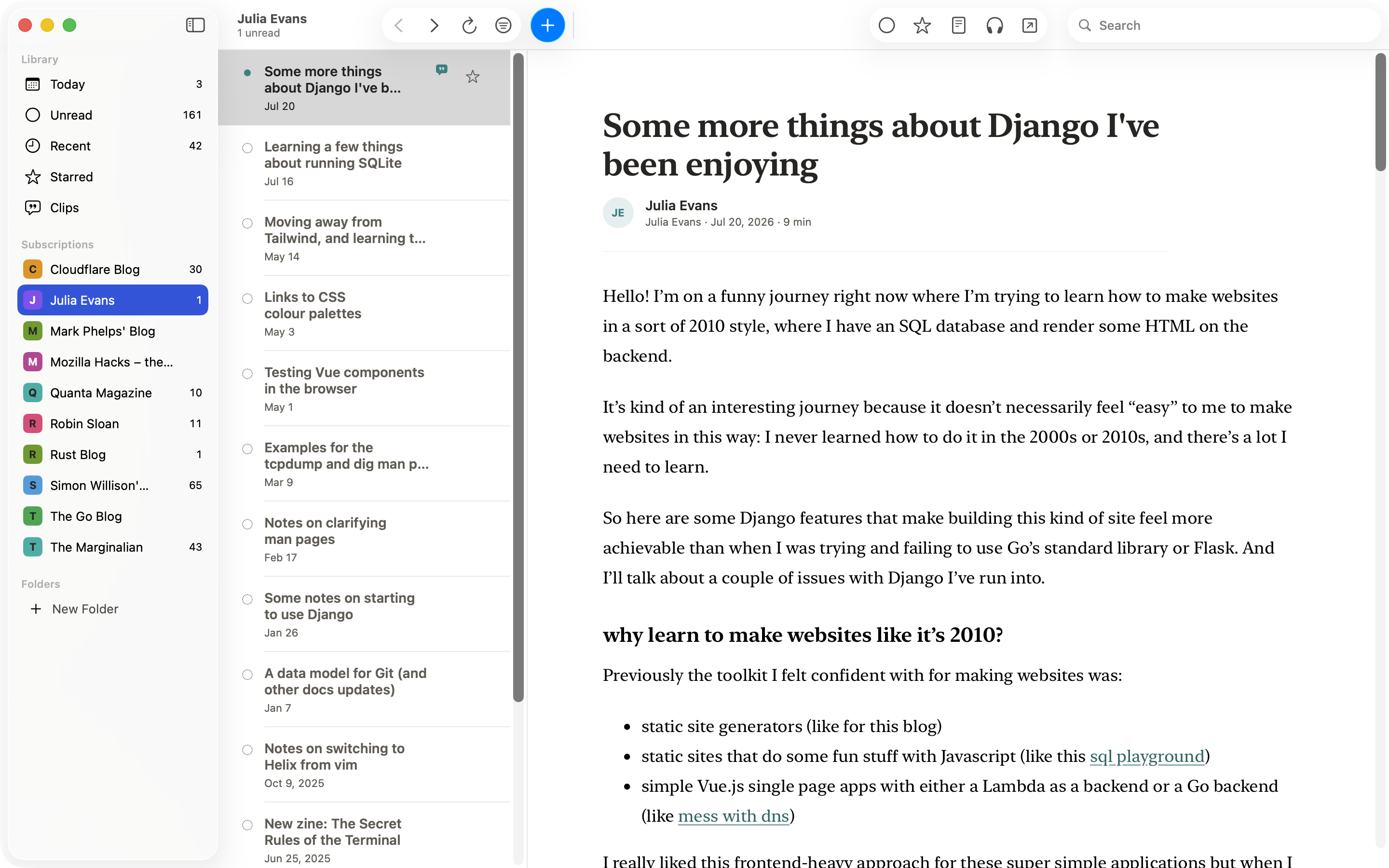
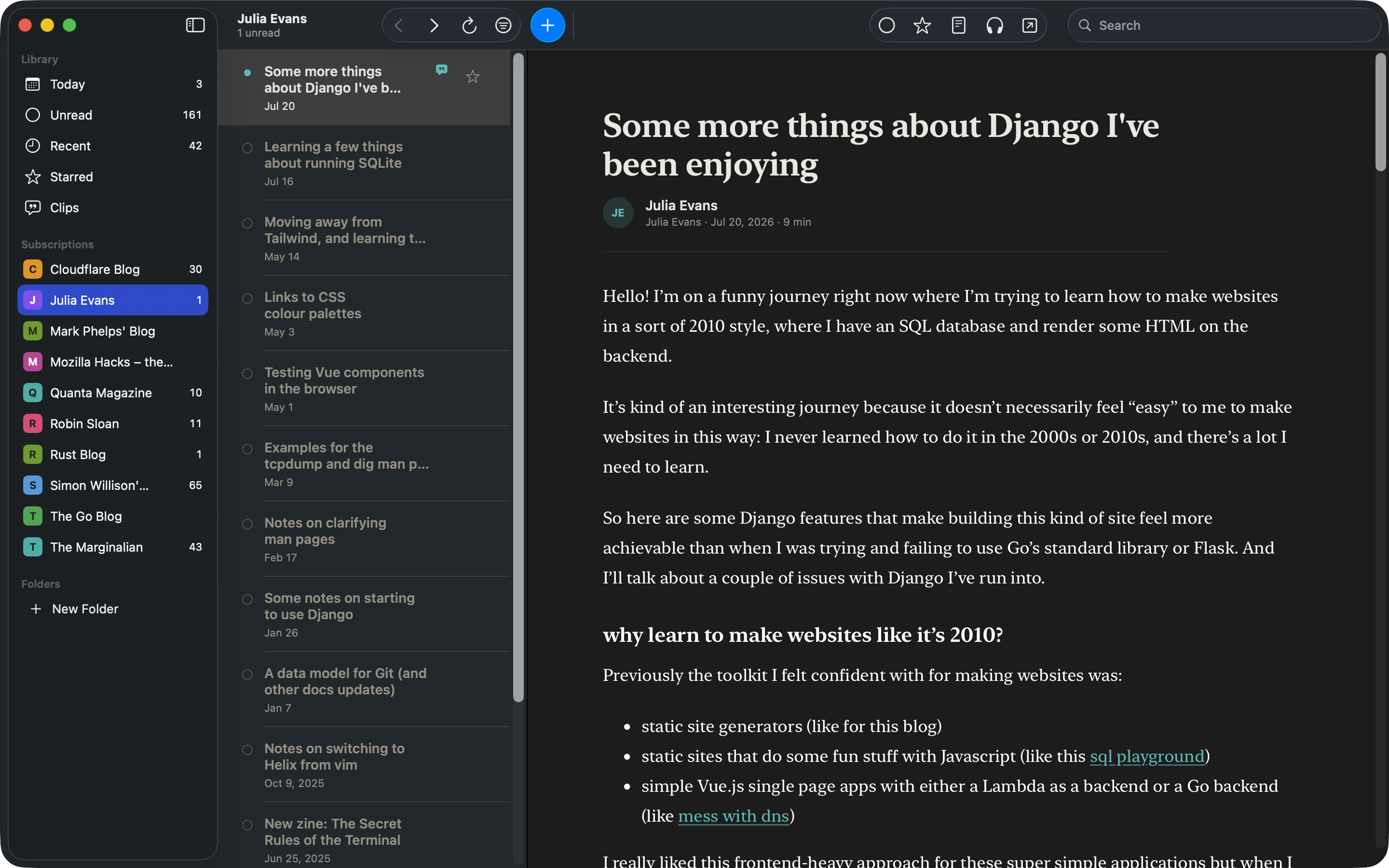
Prefer to read dark while your Mac stays light? One setting holds Cove where you put it.
An honest comparison
Where Cove fits, and where it doesn’t.
Cove is a Mac-only reading archive: no iOS app, no sync. If you need mobile or cross-device access, another reader is a better fit today.
NetNewsWire
Free and open source, with iCloud and service sync. Cove keeps the article text on your Mac.
ReadKit
RSS and read-later accounts in one app for iOS and macOS.
Feedly
An account-based news reader for iOS and Android.
The full comparisons, including Reeder, Inoreader, and Readwise Reader.
Before 1.0
One thing is coming before 1.0. It doesn’t ship in the current beta.
On-device AI. Because it’s 2026.
Narration already runs entirely on your Mac; what follows keeps the same rule. Optional on-device AI for your reading library, on compatible Macs.
Want the finished release?
Join the low-volume list and we’ll email you when Cove leaves beta.
Unsubscribe anytime.
Fair questions
Asked by people who read the fine print.
Is Cove really Mac-only?
Yes. Mac only, with no iPhone or iPad app. If you mostly read on your phone, Cove isn’t for you yet.
What about sync?
There’s nothing to sync to: Cove has no cloud service and no second platform. Your library lives on one Mac.
What does “beta” mean here?
The heart of it is complete and stable for daily reading. Beta means the 1.0 feature set is still landing and some edges are rough. The download is notarized by Apple, and updates arrive inside the app.
What will 1.0 cost?
Not decided yet. Cove is free forever. Join the release list above and you’ll hear the terms when they’re real.
More questions, including privacy, search, and disk space, on the FAQ page.